You are visiting a website for another country. Some products may not be available or valid in your location. Switch to your local store for the best experience.

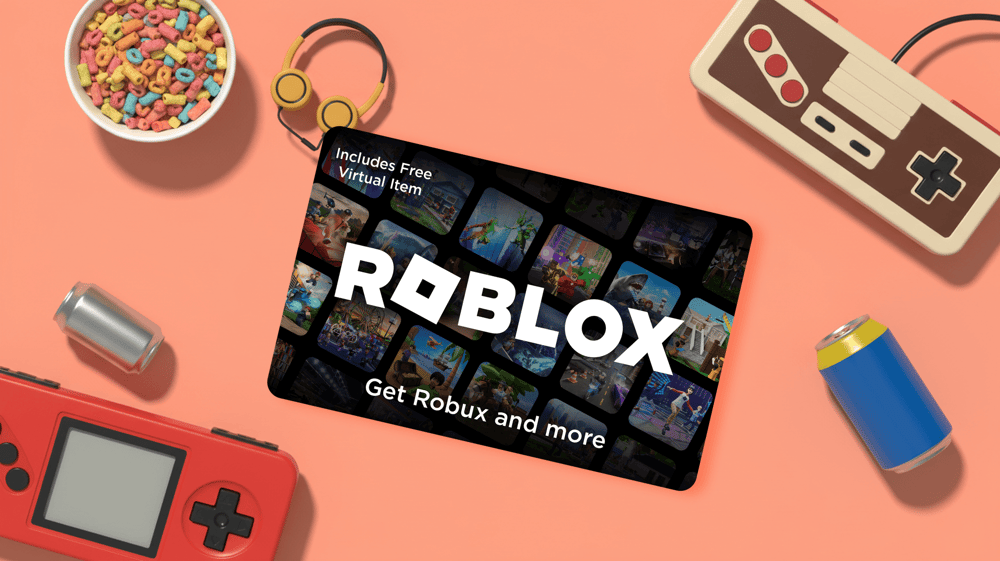
How to redeem a Roblox gift card, step by step
10 November 2026
Working out how to redeem a Roblox gift card usually starts with an email and a child hovering at your elbow. The code is there, and now it needs to end up on the right account without anything going wrong. The good news is that it takes a minute or two once you know where to go. In this guide, we walk through the five steps, explain what to do on a phone or tablet, and cover the usual reasons a code refuses to work. We also explain what the value turns into once it lands on the account.
Redeem a Roblox gift card in five steps
You redeem a Roblox gift card at roblox.com/redeem, in a web browser. The full Roblox gift card redeem process looks like this:
- Go to roblox.com/redeem.
- Log in to your Roblox account.
- Enter the code in the text box.
- Click "Redeem".
- Wait for the confirmation that the credit or item has been added to the account.
Before you click, check whose account you are logged in to. On a shared family computer it is easy to redeem the code on your own account instead of your child's, and the value then sits in the wrong place. A quick look at the username in the corner saves a lot of explaining afterwards.
Our Roblox gift card arrives by email, and the code is in that email. Nothing needs scratching off, so the Roblox redeem card steps above are all you need.
Can you redeem a Roblox gift card on a phone or console?
Not in the standard Roblox app and not on a console, but the browser on a phone works fine. Plenty of kids only play on a tablet or an Xbox, so this catches people out. On a phone or tablet:
- Open the web browser, not the Roblox app.
- Go to roblox.com/redeem.
- Log in to the account the code is for.
- Enter the code and tap "Redeem".
The one exception is Samsung Galaxy. On those phones you can redeem inside the Roblox app itself, under More and then the Redeem tile.
Once the value is on the account, it can be used wherever they play, the console included. If they spend their time across several games, our gaming gift cards cover more than Roblox alone.
Roblox gift card not working? Try this
Most problems come down to one of four things, so go through them in this order.
- Check whether the code has already been redeemed. Log in and look at the account first, because a sibling may have beaten you to it.
- Look for a typo. Some letters and numbers look alike: 0 can be O, 1 can be I, 2 can be Z, 5 can be S, 6 can be G or Q, and 8 can be B. This is the most common snag when people work out how to redeem Roblox gift card codes by typing them over.
- Make sure you are on the right account, as covered above.
- Do not worry about the country. Roblox codes can be redeemed worldwide, and the value is converted to the account's currency when the code goes in.
A word of warning while you are searching for help. "Free Robux" generators and any site that asks for a Roblox password or a gift card code are scams. Keep the code to yourself and only ever enter it on roblox.com.
If the code still will not go through, contact Roblox support. Have the username ready, along with the purchase date and amount, where you bought the card, your country, the gift card PIN and an image of the e-gift card and the error message.
What happens after you redeem a Robux gift card
After a Robux gift card redeem, the value lands on the account as Roblox Credit. Some cards give Robux directly, but most add credit first. The player then decides how to use it: Robux to spend in their favourite games, or a Roblox Premium subscription.
A common question is how much Robux you can get with 50 dollars. The honest answer is that it depends on the Robux packages Roblox offers at that moment, and those change from time to time. The current options are shown in Roblox itself, so check there rather than relying on a number from a forum. To see the Roblox gift card balance, log in to the account. The credit is shown there.
Giving Roblox as a gift next time
Next birthday or Christmas, you know the drill. Our Roblox gift card comes in any amount from $10 to $200 and arrives by email within minutes. At checkout you choose whether it comes to you first or goes straight to them. For players who also game elsewhere, an Xbox gift card or a League of Legends gift card is just as easy to send. Not sure what they are playing this month? The All-in-1 Choice Gift Card lets them choose. More ideas are in our guide to gift cards for teens.

What to Get Someone Who Has Everything This Christmas
What to get someone who has everything this Christmas: experiences, a long…

The best graduation gift cards for every grad’s next adventure
Celebrating a grad?
The best retirement gift cards for the next chapter
Celebrate retirement in style.
See all blogs